Posts

Showing posts with the label PowerShell

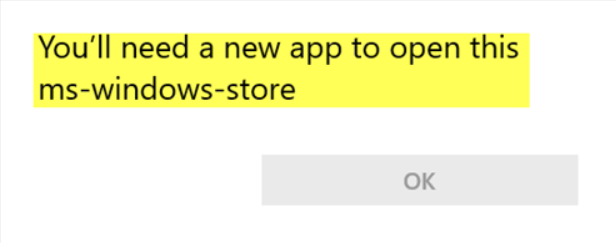
How to fix "You'll need a new app to open this ms-windows store" issue
Image
Recently, I had a user who informed me that Windows Photos was missing and that she was used to using it to review pictures. Photos is the Windows 10 application meant to replace the trusty old Windows Photo Viewer. The Photos application comes with Windows 10 by default but can be downloaded separately from the Windows Store. It was working fine with other accounts on the computer. Whenever trying to open the Windows Store to download and install the Photos application, the error "You'll need a new app to open this ms-windows store." Using Powershell, I managed to get it working. Read below to see how you can fix this as well.

Backing up UCM & How to run a PowerCLI Script with Windows Task Scheduler

At my job, at the time of this writing, I'm the backup sysadmin in charge of our virtual infrastructure (Cisco UCS blades + vSphere 5.1). As my boss, who's the primary for these things, is taking on a new role (same company & still my boss), I'm on track to become primary for these things. As a part of that effort I've been playing catch-up to learn more about vSphere, PowerCLI & Powershell among several other things.

My first hit of crack, I mean Powershell.

The other day last week, my co-worker and I were guestimating how many users we have in our organization. We figured it was about 1500 users. We decided to Powershell our way to an answer. In case you've been working in a Windowless datacenter for sometime or under a proverbial rock, Powershell is the automation and scripting framework built into all of Microsoft's recent business and enterprise softwares. It can be a shell for single commands like DOS (but so much more) or it can handle complex scripts the same way BASH can. Below, I'll run you through the first Powershell script I wrote with the help of my colleague, Steven.